Free for hosts
Free Vacation Rental Signs & Templates
Signs, guest sheets, a welcome book, checklists and calculators for Airbnb and vacation rental hosts. Type your details once, watch the real page as you edit, and download a print-ready PDF without an account.
Signs
Framed and wall signs for the questions guests ask most, from the Wi-Fi password to the hot tub cover.
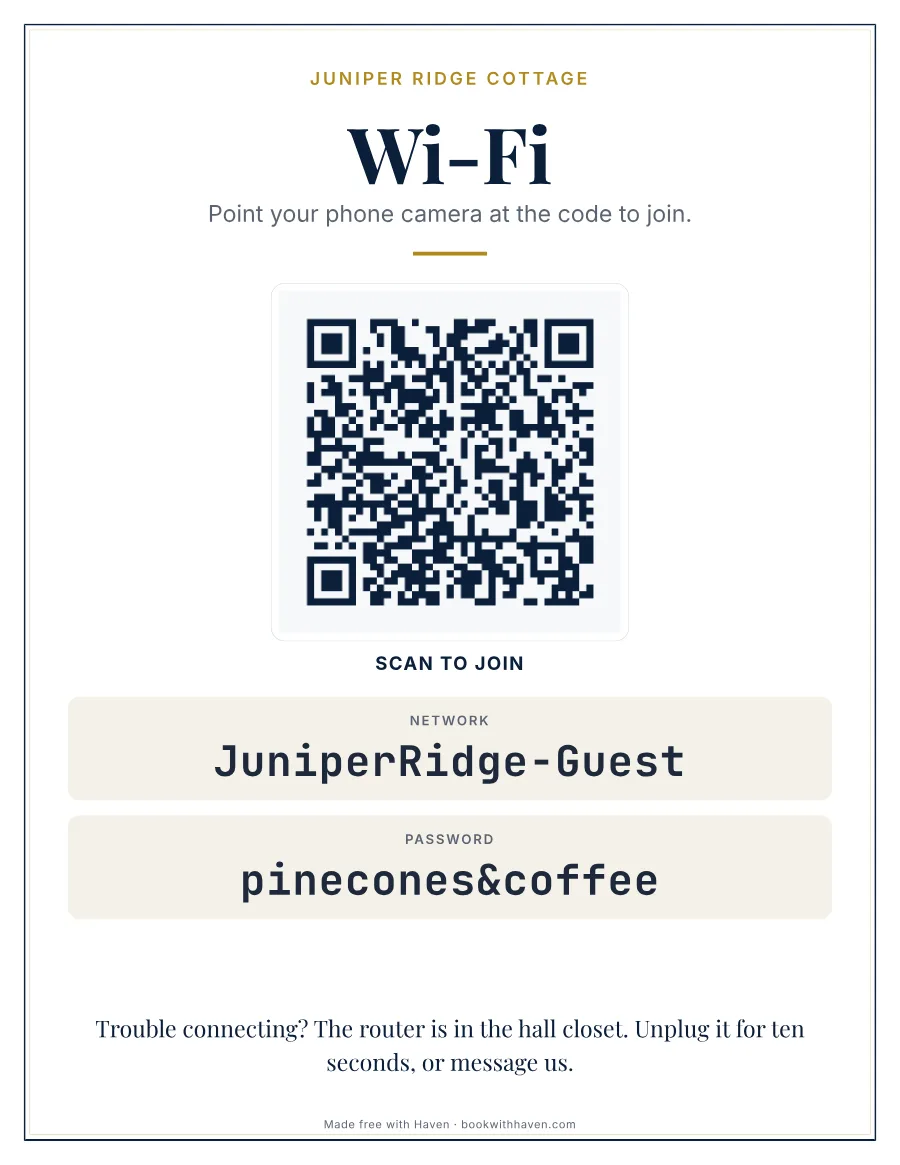
Fill in & print
Vacation Rental Signs
Wi-Fi, checkout, house rules, trash, parking, pool and a dozen more, in one matching set and one PDF.
Open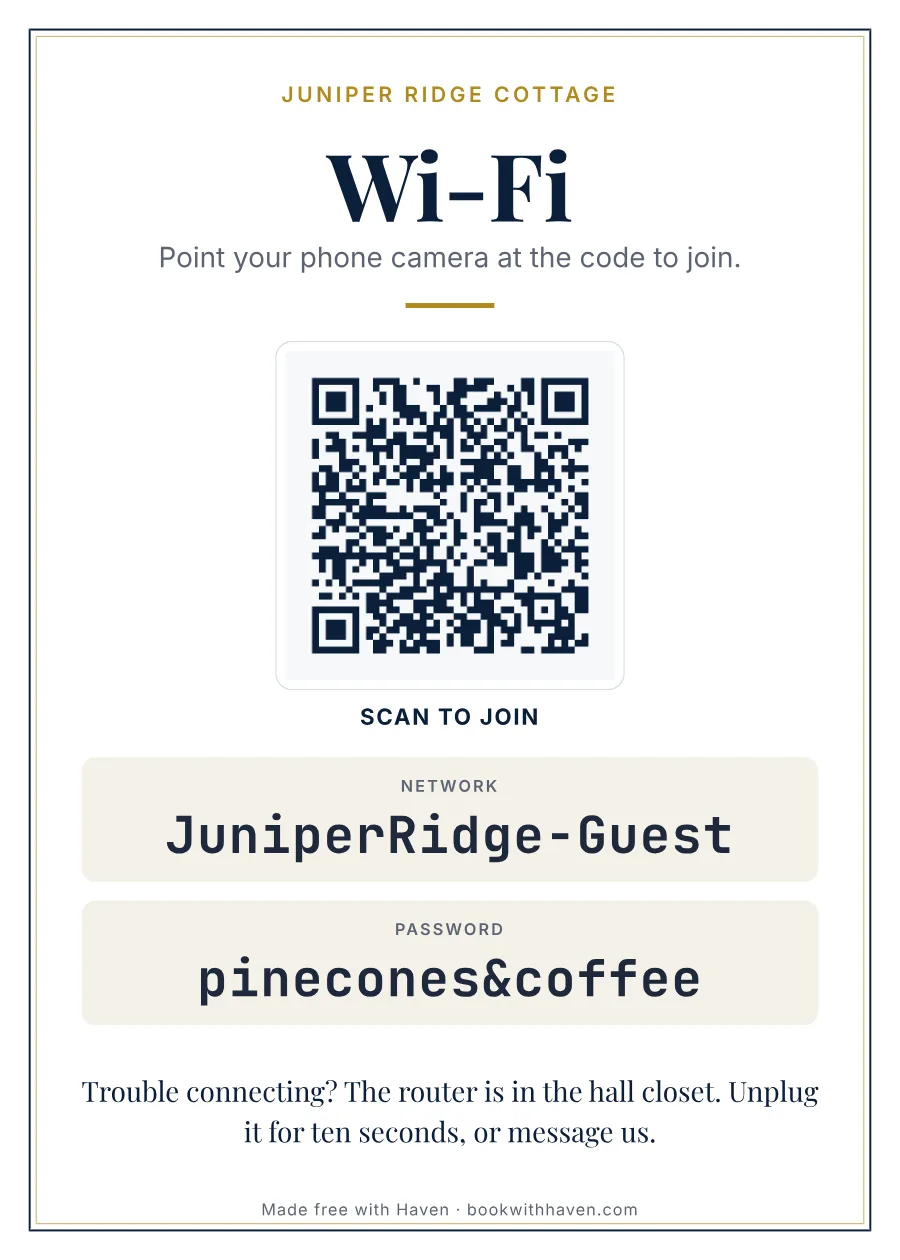
Fill in & print
Wi-Fi Sign with QR Code
A scan-to-join QR code beside the network name and password, sized for a frame or a tent card.
Open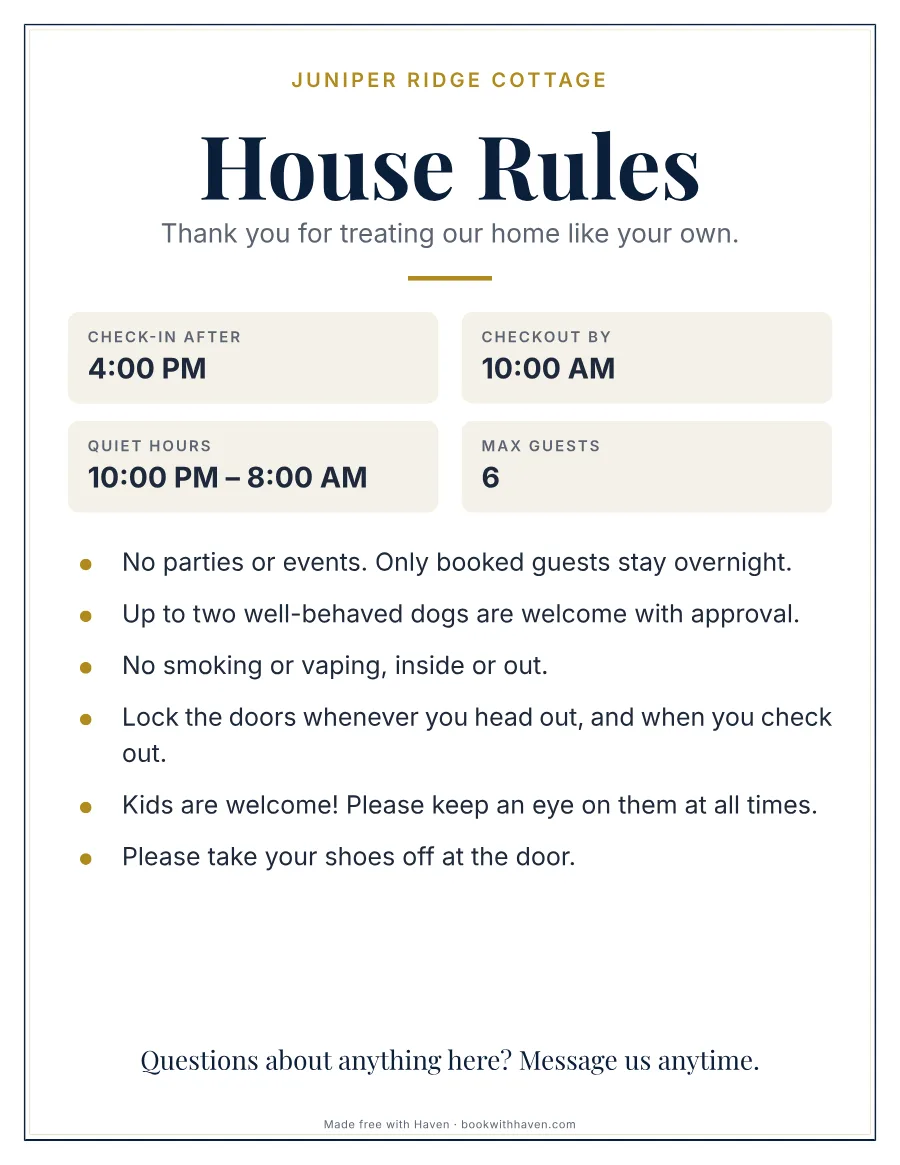
Fill in & print
House Rules Generator
Pick your rules, edit the wording and print a clear house rules sign: quiet hours, pets, parties, smoking.
Open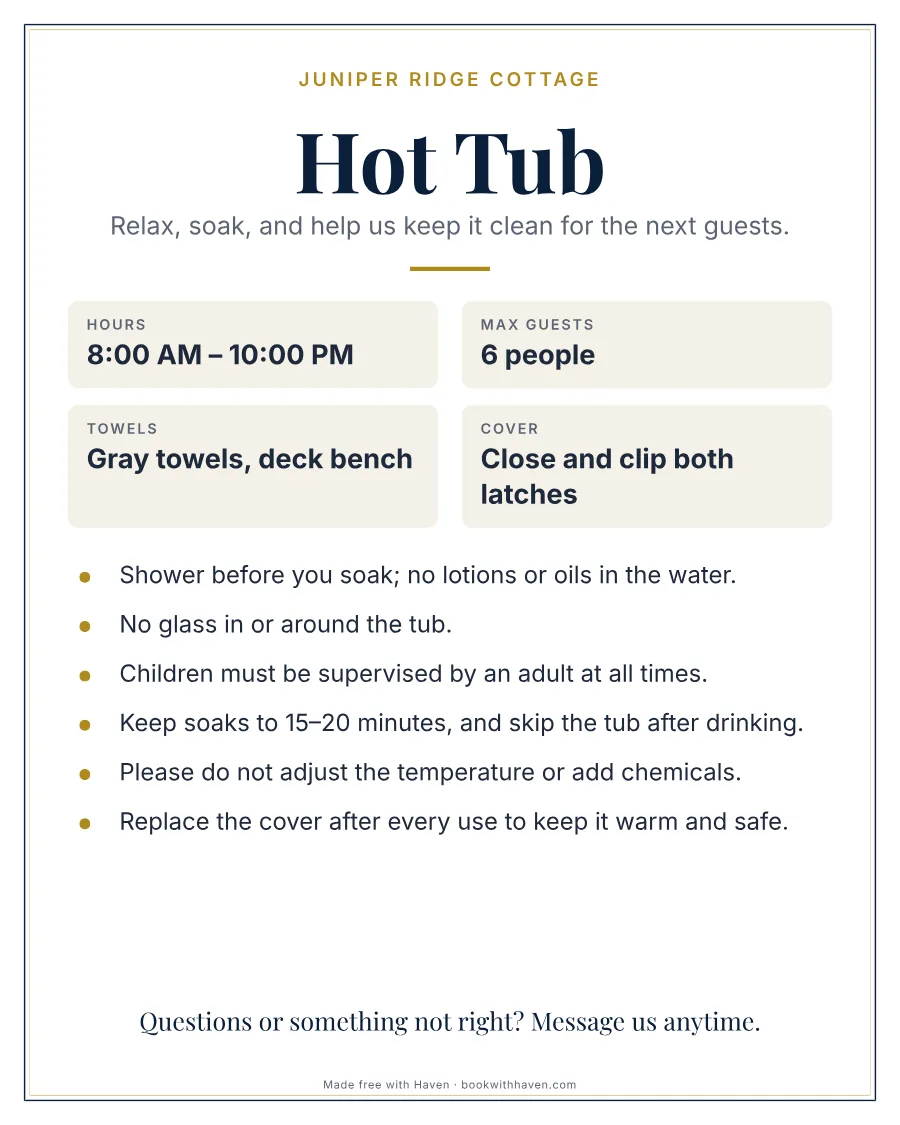
Fill in & print
Hot Tub Rules Sign
Hours, how many can soak, towels, putting the cover back and a labeled photo of the controls.
Open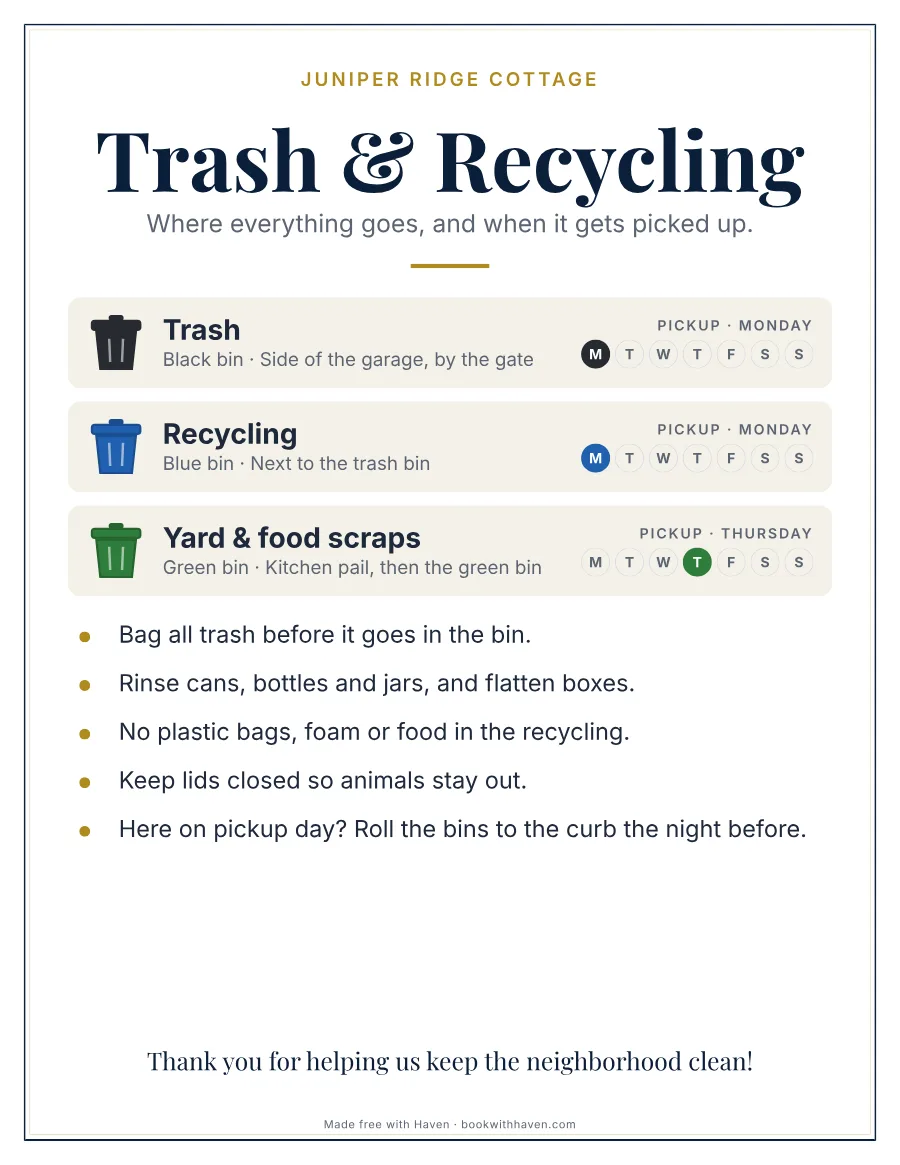
Fill in & print
Trash & Recycling Sign
Pickup days, which bin takes what, and photos of where the bins live.
Open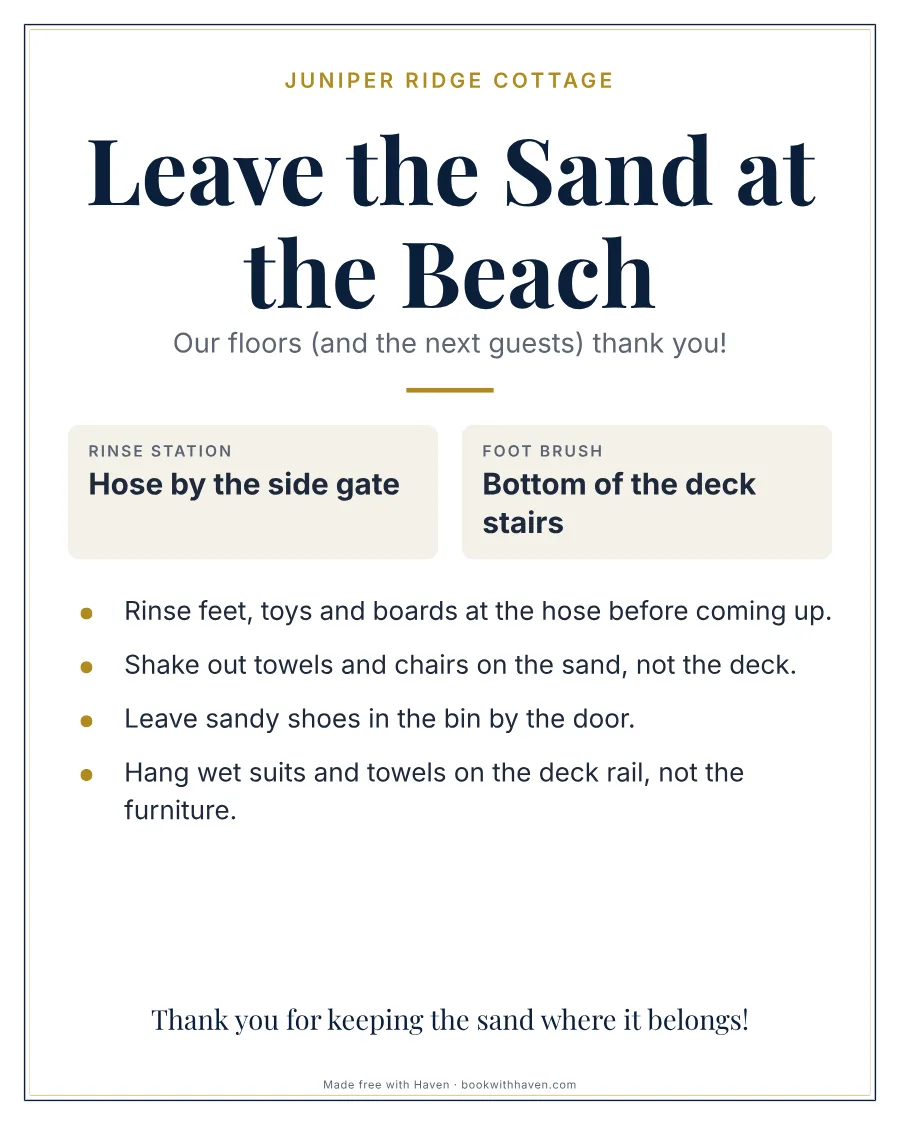
Fill in & print
Beach House Signs
Sand, the outdoor shower, beach towels, gear return and deck rules, in a coastal set.
Open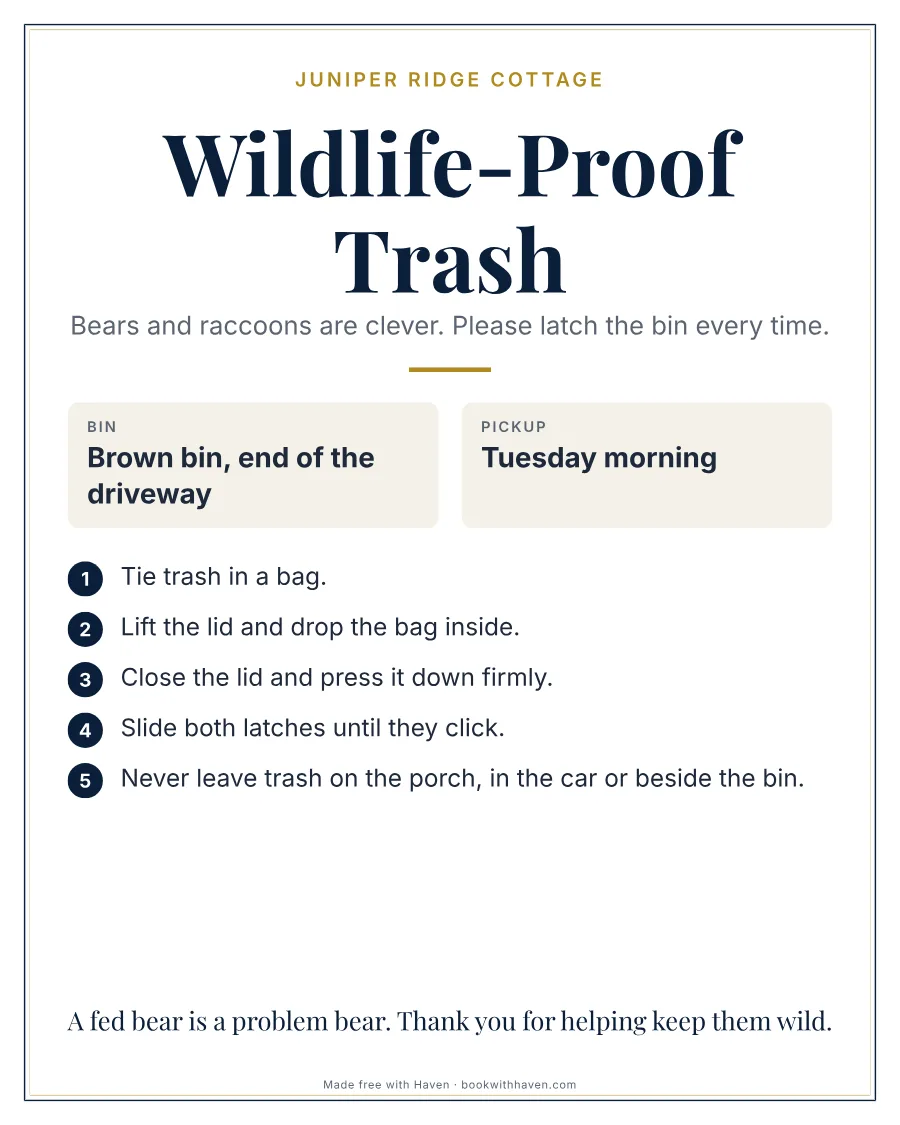
Fill in & print
Cabin & Lake House Signs
Wildlife-proof bins, muddy boots, the wood stove, the dock and where the kayaks live.
OpenMore signs inside the sets
Each opens its sign set with that sign already ticked.
- Pool rulesPool hours, gate instructions, towels and your rules.
- Quiet hours & neighborsSeparate indoor and outdoor quiet hours, kindly worded.
- Septic-safe bathroomA small framed reminder of what can be flushed.
- Pet-friendly rulesFurniture, leashes, waste bags and where pet supplies are.
- Emergency info & addressThe address in large type, unit, cross street and contacts.
- Leave the sand at the beachRinse station, foot brush and where sandy gear goes.
- Outdoor showerHot water, drain and latch instructions.
- Beach towelsWhich towels go to the beach and where they live.
- Beach gear returnChairs, umbrellas, toys and where they go back.
- Deck & balcony rulesGrill, furniture, glassware and capacity on the deck.
- Wildlife-proof trashLatch steps for bear- and raccoon-resistant bins.
- Muddy bootsWhere boots, wet gear and dogs dry off.
- Fireplace & wood stoveDamper, lighting steps, ashes and what never to burn.
- Dock & lake accessDock hours, life jackets, boats and kids near water.
- Gear storageKayaks, paddles, bikes and sleds: where they live.
Guest info & welcome
The pages guests keep on the counter: a welcome book, a one-page information sheet, your local picks and a card to book direct next time.
Fill in & print
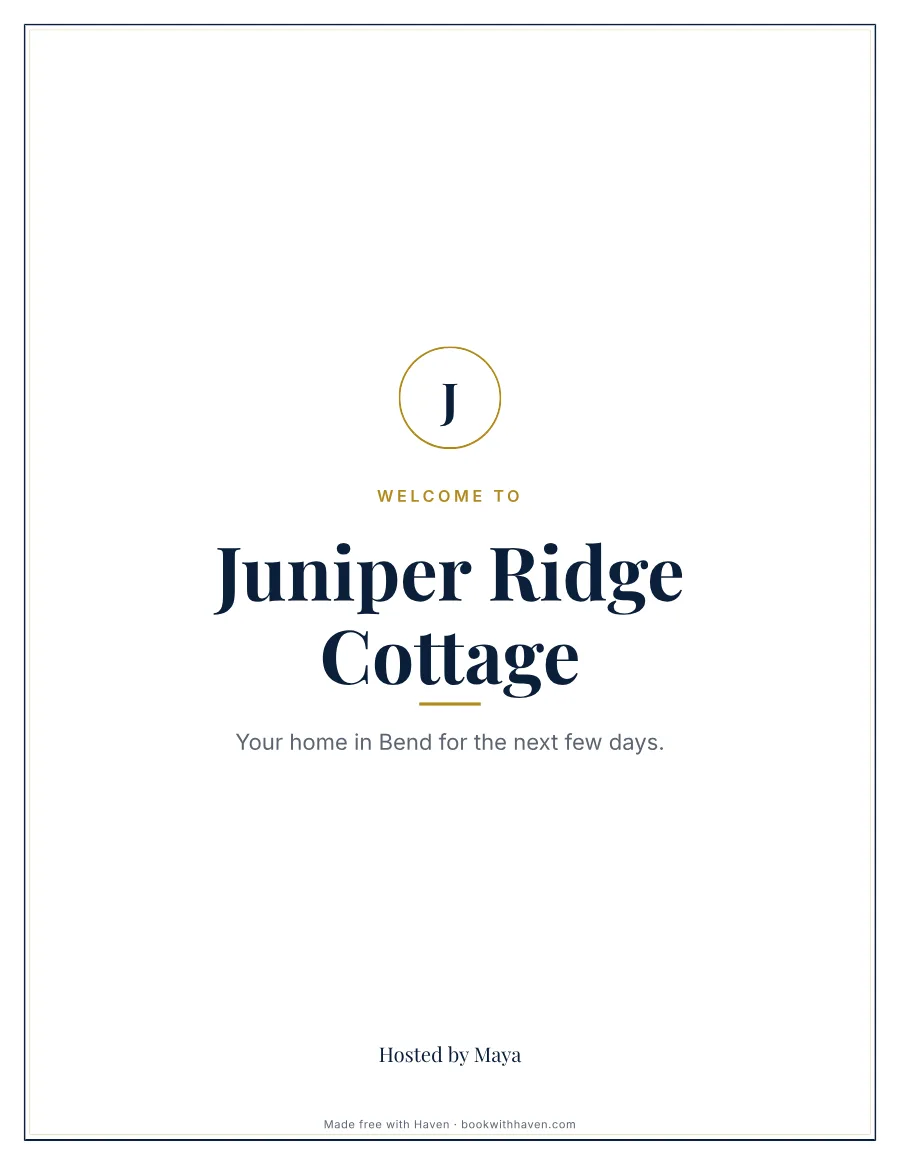
Welcome Book
A multi-page house manual: cover, arrival, Wi-Fi, house rules, checkout and your local picks.
Open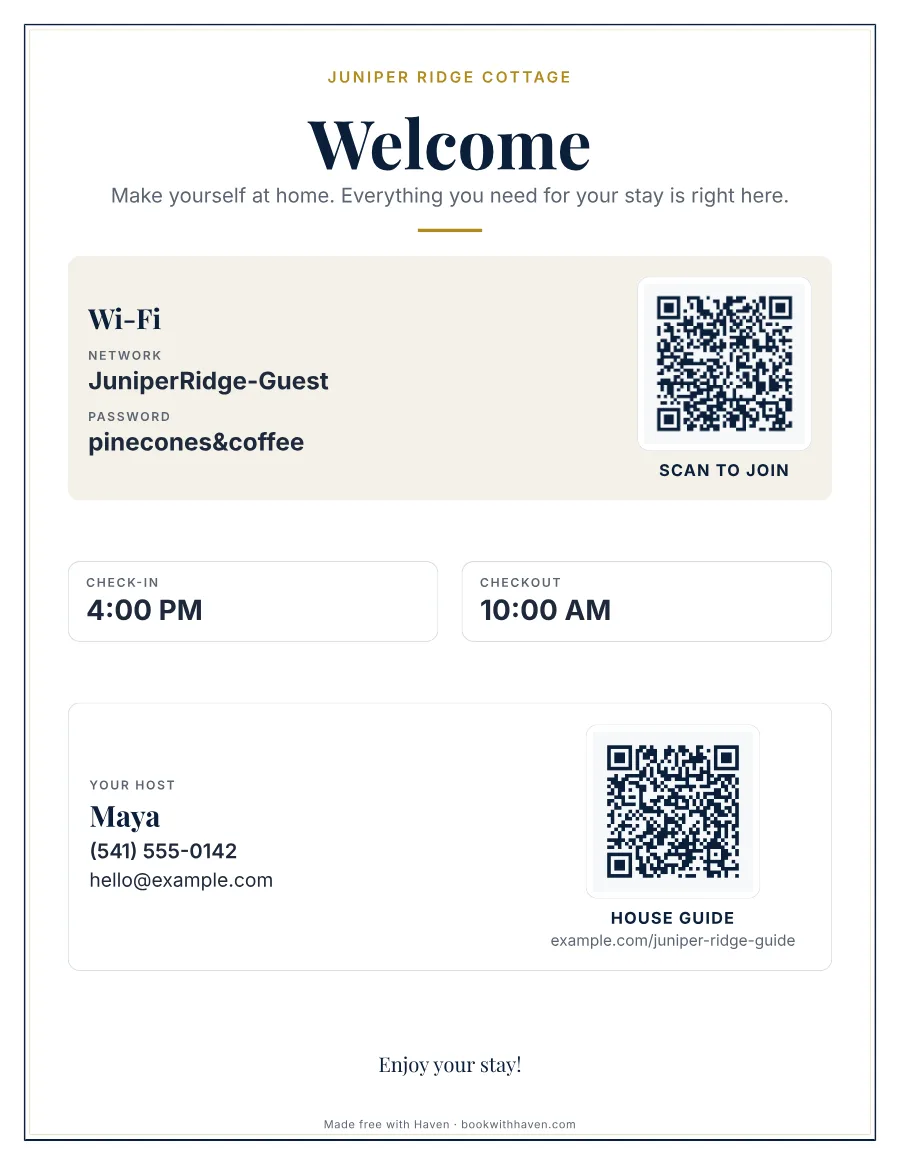
Fill in & print
Guest Information Sheet
Wi-Fi, check-in and checkout times, how to reach you and a guidebook QR code on one page.
Open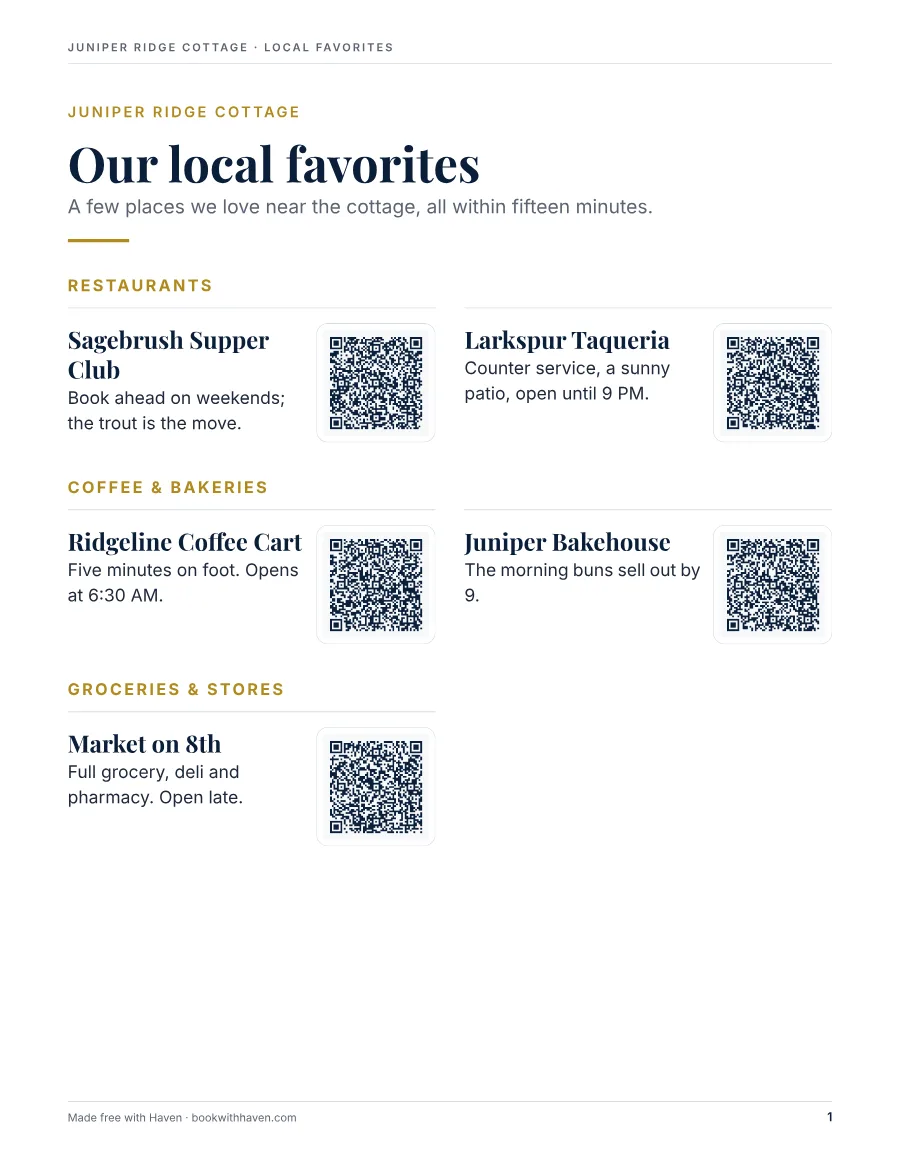
Fill in & print
Local Recommendations
Your picks for restaurants, groceries, coffee and things to do, on a printed page.
Open
Fill in & print
Direct Booking Card
A take-home card with a QR code that brings past guests back to book with you direct.
OpenInstruction cards
Step-by-step cards for arriving, parking, using the appliances and leaving, with your own photos marked up.
Fill in & print
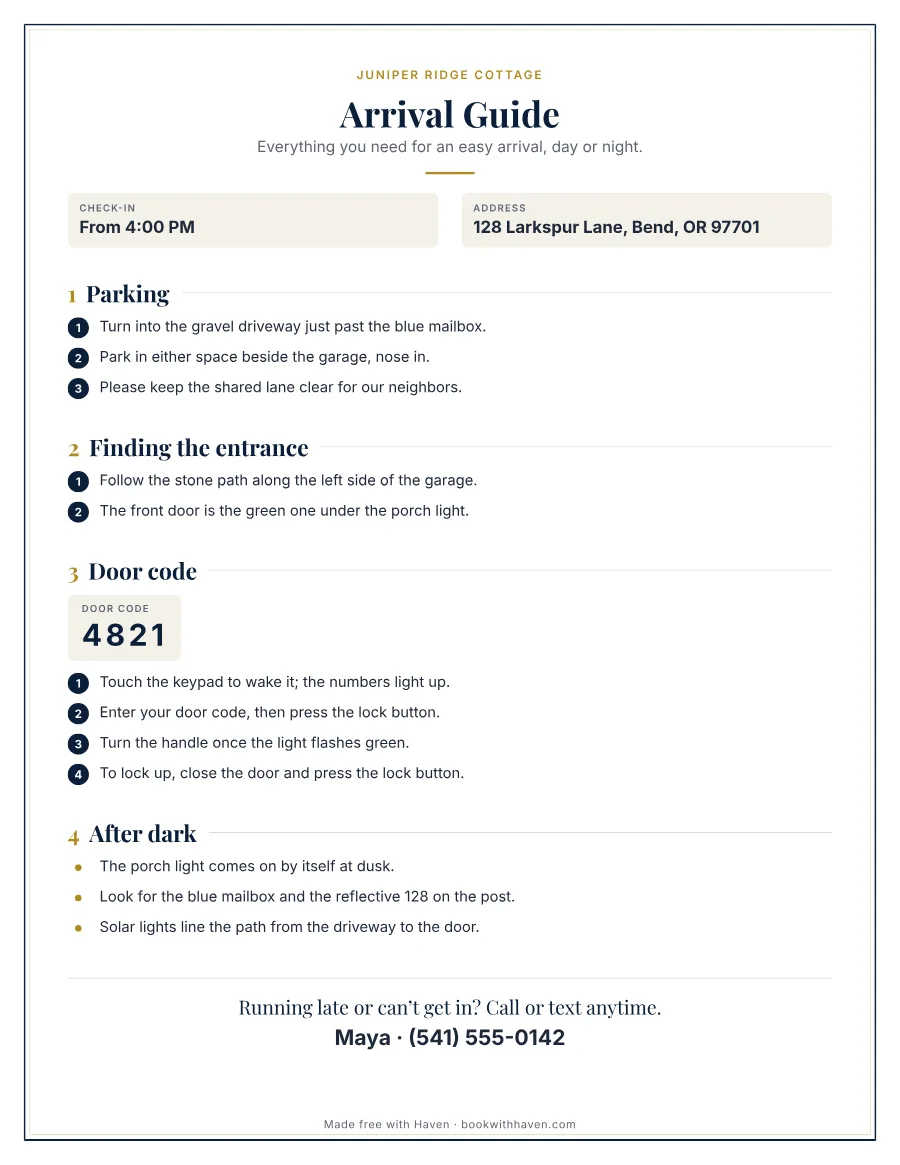
Check-In Instructions
Parking, the right door, keypad steps and after-dark landmarks, with photos of each turn.
Open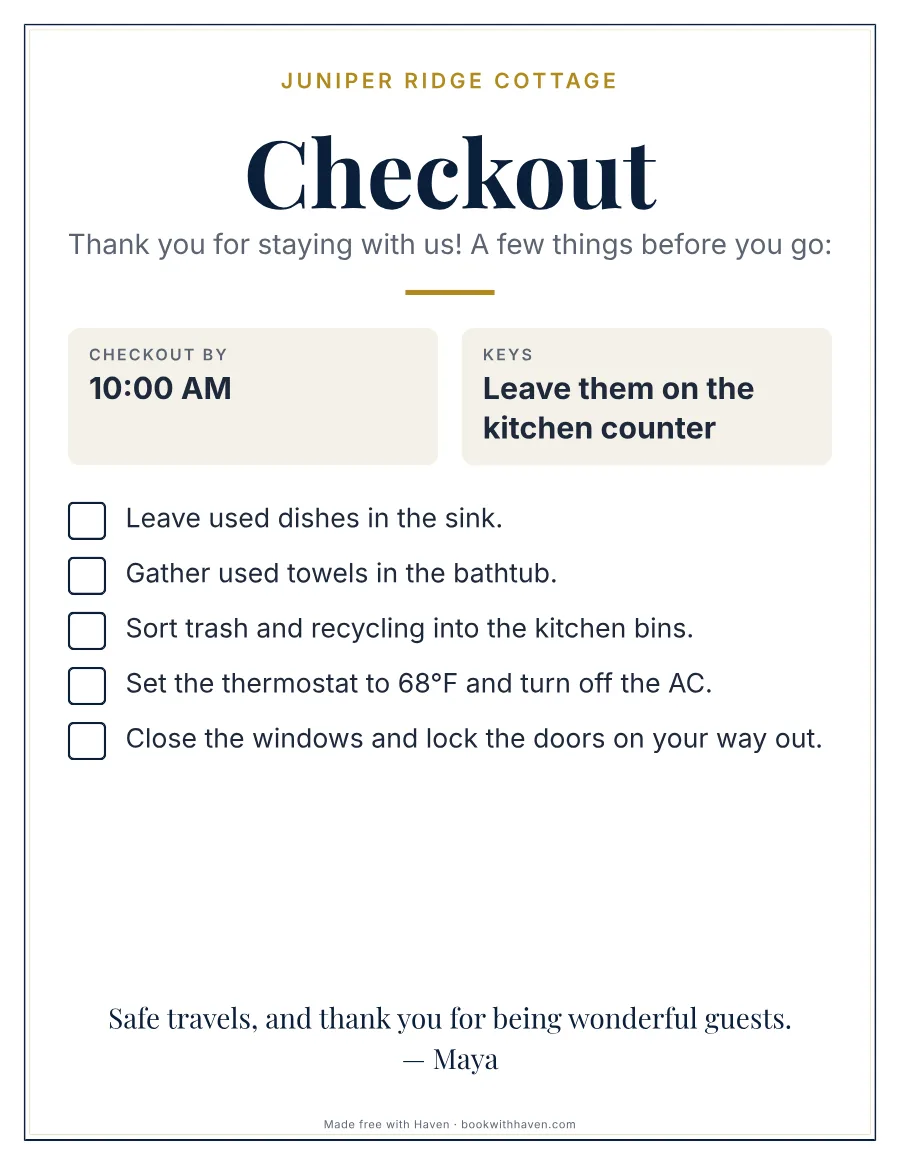
Fill in & print
Checkout Instructions
Checkout time, where the keys go and a short, courteous list guests can finish in minutes.
Open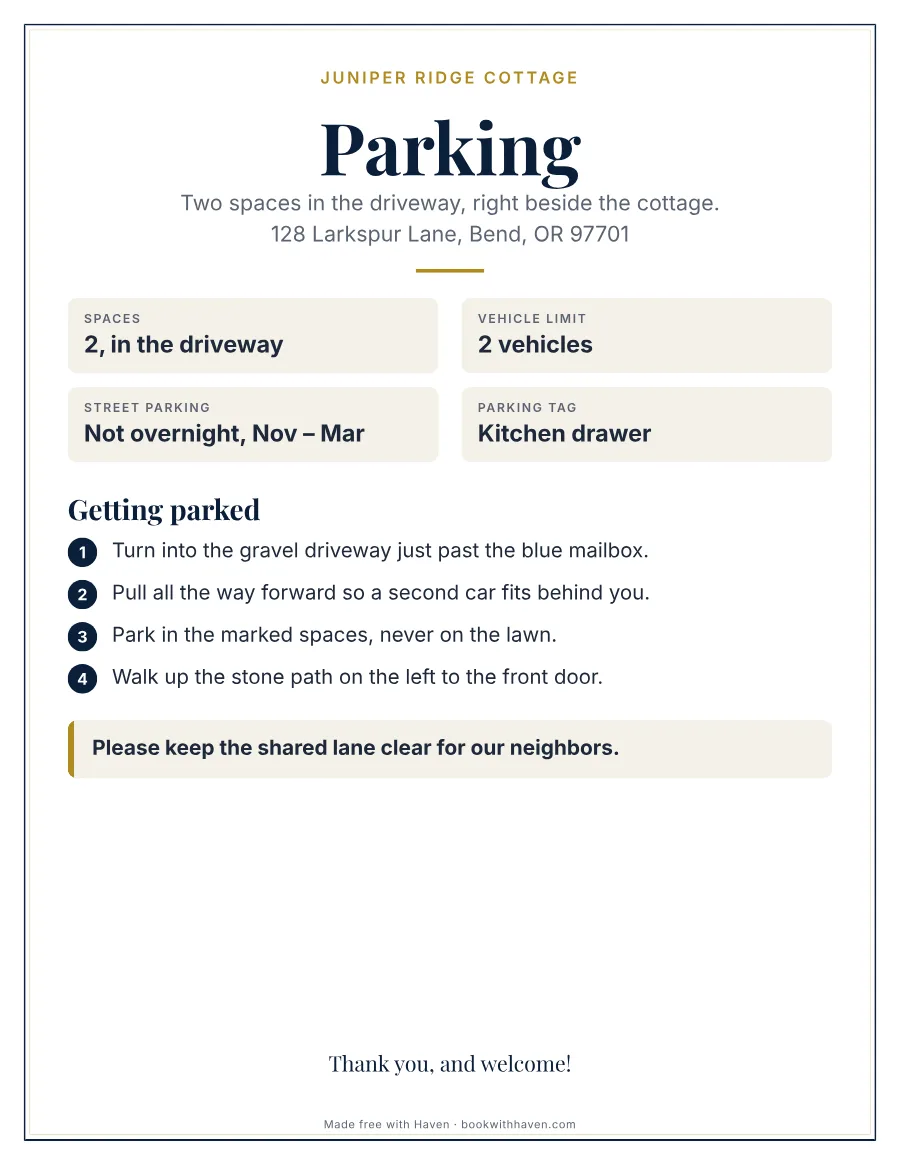
Fill in & print
Parking Instructions
A photo of your driveway or street with the space marked, plus the directions in words.
Open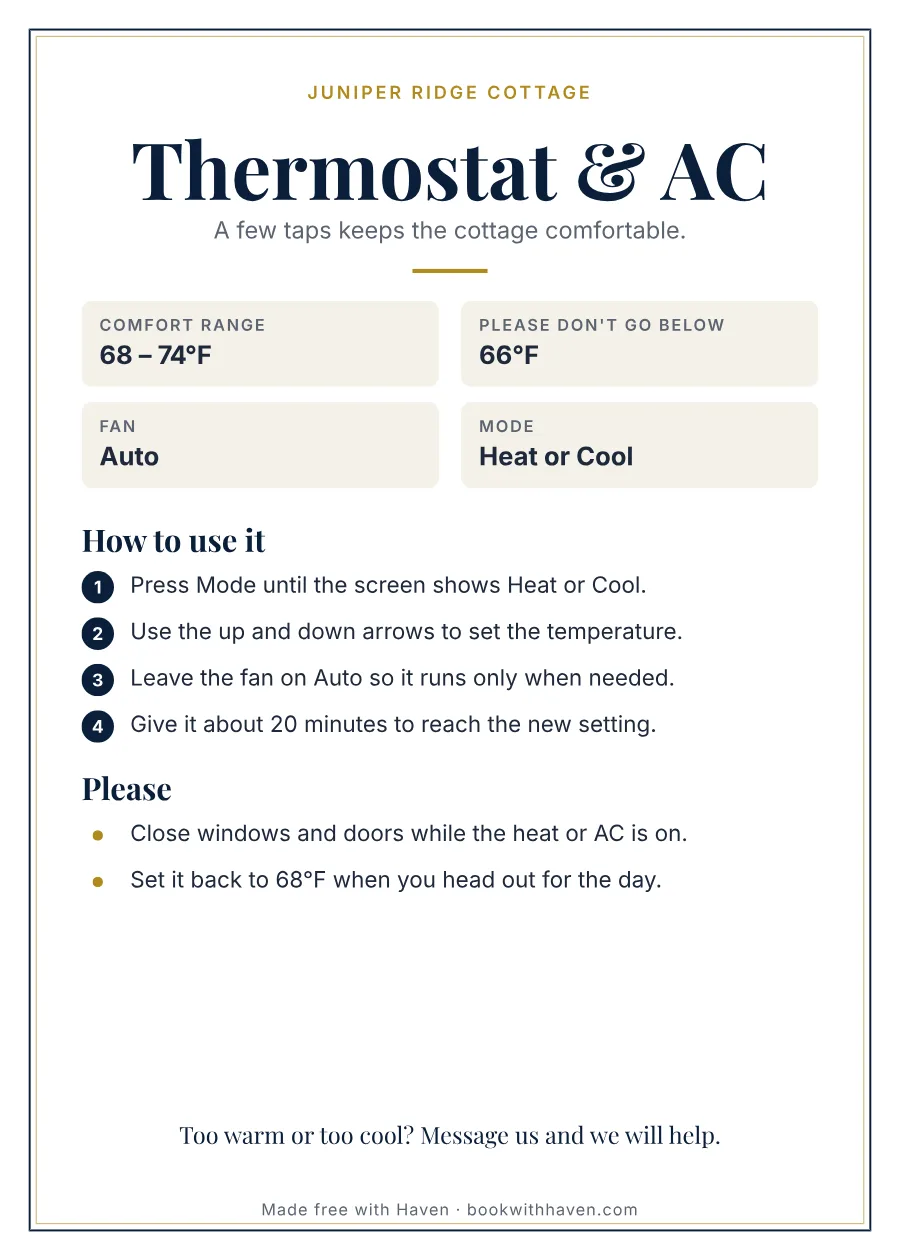
Fill in & print
Appliance Instruction Cards
Thermostat, TV remote, coffee maker, dishwasher or washer: a labeled photo and a few steps.
OpenChecklists
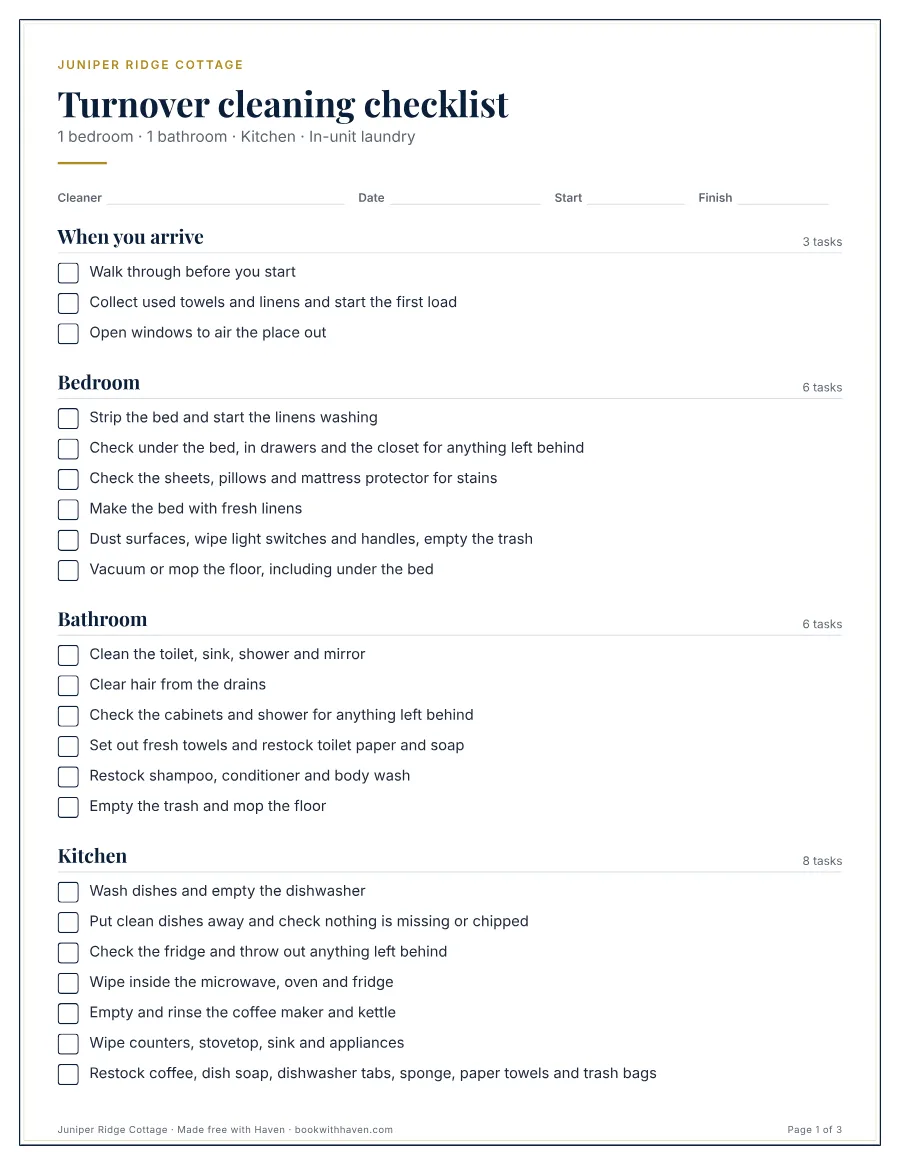
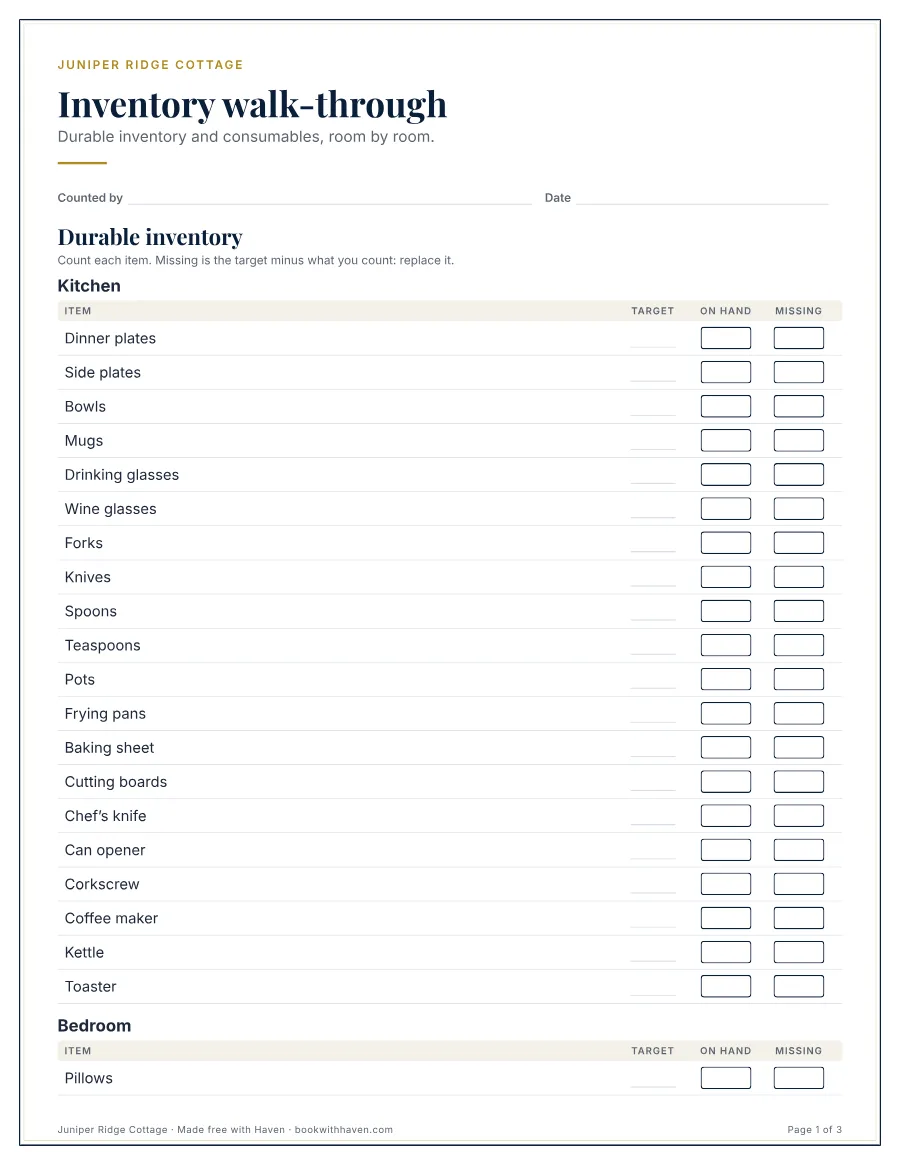
Printable lists for the people who keep the home ready between stays.
Calculators
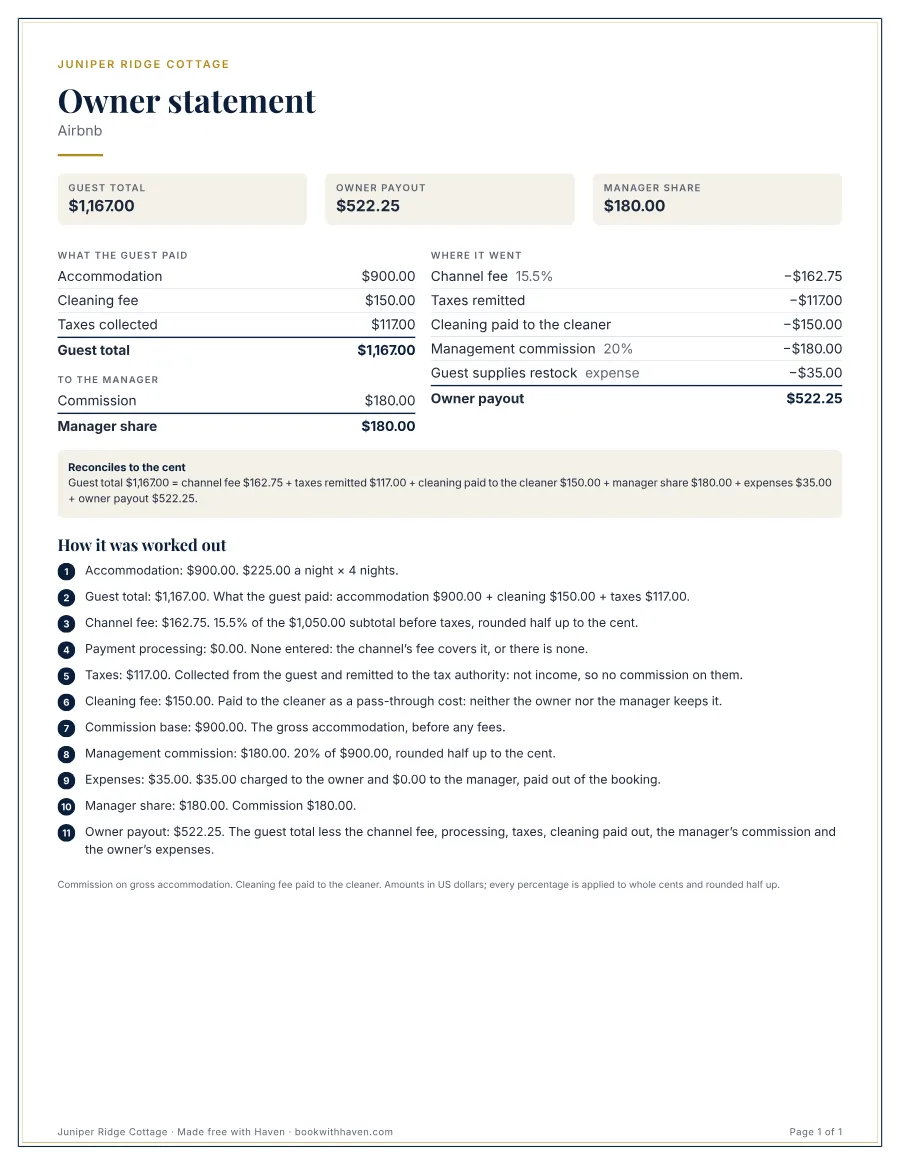
The money side: what a co-host or manager earns, what the booking sites keep, and what marketing has to return.
Instant — no signup
Owner Payout & Co-Host Fee Calculator
Work out your co-host or management fee and what the owner is paid from your bookings.
OpenInstant — no signup
Airbnb & Vrbo Host Fee Calculator
Price one stay or a year at Airbnb’s 15.5% host-only fee, Vrbo’s 12% commission and Booking.com’s 15% average, then see the direct price that keeps your payout and what the guest saves.
OpenInstant — no signup
Marketing ROI Calculator
See how few extra bookings it takes for professional photography and ad spend to pay for themselves.
OpenHow the free printables work
No account to download
Fill in a template and download the PDF. Nothing asks for an email or a sign-up first.
Your draft stays on this device
What you type and the photos you add are kept in this browser, shared by every template here, and never uploaded. The PDF is made on your device.
Save it to a Haven guidebook
Signed in to Haven, you can carry the Wi-Fi, times, checkout steps, house rules and directions into a listing’s digital guidebook, field by field, after reviewing each one.
Step by step: Free printable signs and templates in the Help Center
Frequently asked
Free printables, answered
Are these vacation rental signs and templates really free?
Yes. Every sign, sheet, welcome book, checklist and calculator here is free to use, and the printables download as PDFs with no account and no email. Haven runs a paid platform for direct-booking sites and digital guidebooks; these tools are how many hosts first meet it.
What signs and printables does a vacation rental need?
Most hosts start with a Wi-Fi sign, checkout instructions, house rules and a trash and recycling sign, then add a welcome book or one-page guest information sheet. Homes with a hot tub, pool, fireplace, septic system or tricky parking add a sign for each. Local rules can require more, such as posted emergency numbers or an exit map, so check with your city or county.
Do I have to type my details into every template?
No. The property name, Wi-Fi, check-in and checkout times and contact details you enter in one sign, sheet or card are there in the next, because they share one draft stored in your browser. Change the Wi-Fi password once and every sign that prints it follows.
Where is my information stored?
In this browser on this device, and nowhere else. Text and photos are never uploaded, the PDF is made on your device, and links you share select a template only, never your details. Clearing your browser data clears the draft.
Can I put the same details in a digital guidebook?
Yes. After a download, Haven offers to carry the Wi-Fi, check-in and checkout times, checkout instructions, house rules and arrival directions into a Haven listing’s digital guidebook. You sign in, pick the listing and review each field before anything is saved.
Looking for audits and listing tools? See all free tools