Free for hosts
Check-In Instructions
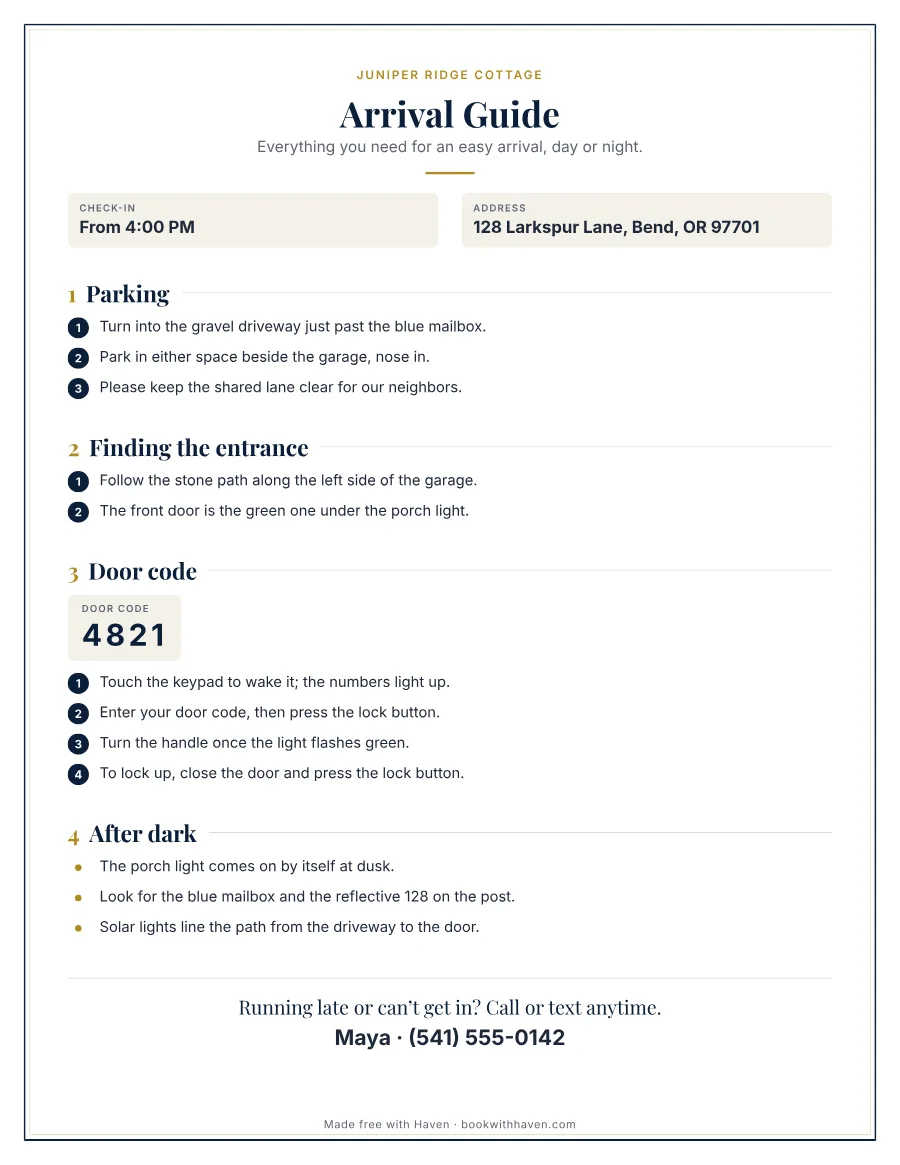
Where to park, which door, how the lock works and what to look for after dark, with your photos. Send the PDF before arrival and keep a copy in the home.
What to include
What check-in instructions need
Written for the guest standing in the driveway with luggage and a low battery. The pre-arrival message sequence is where most hosts send it.
Address, unit and check-in time
In large type at the top, with the unit or building entrance spelled out for condos and apartments.
Parking
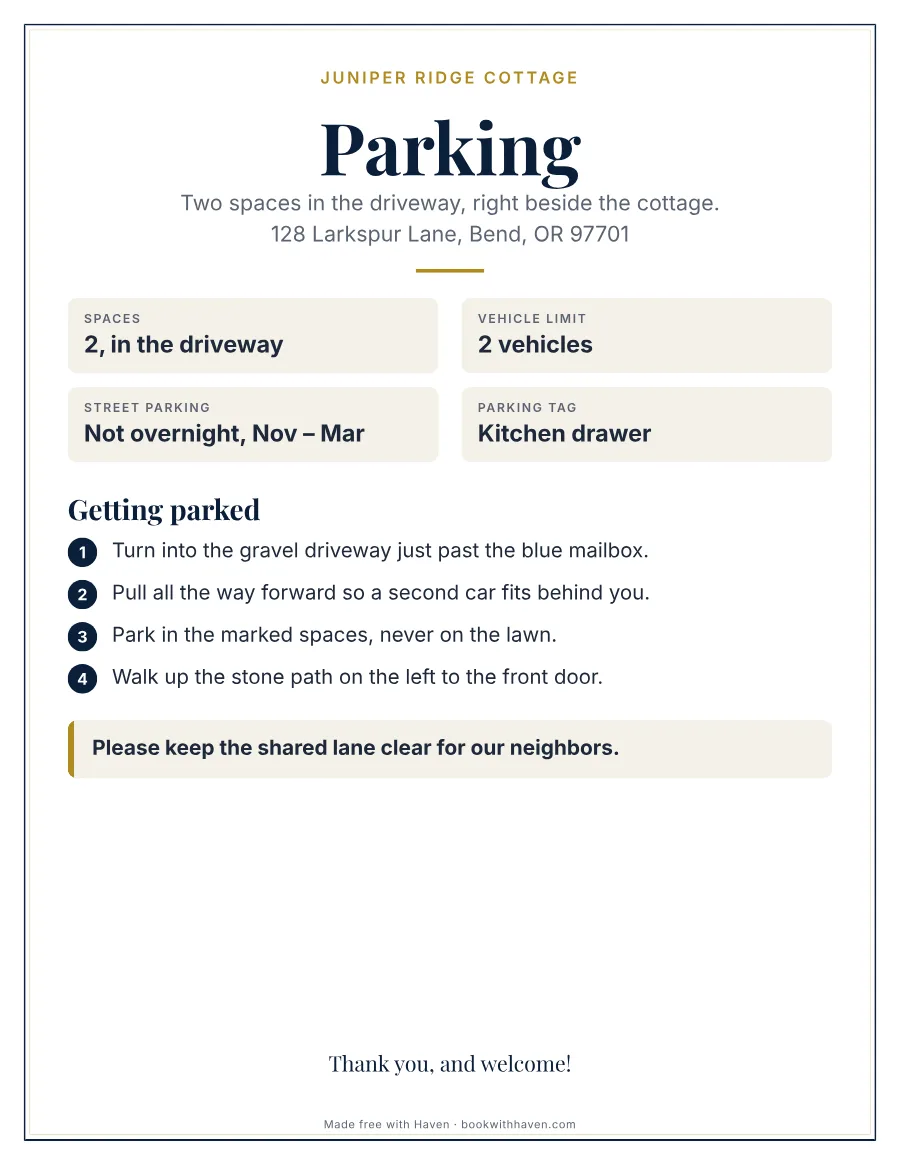
Where to leave the car and where not to, with a photo if the spot is not obvious.
The right entrance
Which door, gate or stairway, with a photo taken from where the guest will stand.
The lock, step by step
Keypad, lockbox or smart lock: each press or turn as its own numbered step.
Landmarks after dark
The porch light, a mailbox, a reflector at the turn: what guests can see at night.
Who to call at the door
Your name and the number that answers during arrival hours.
How it works
Make yours in a few minutes
- 1
Enter the address and time
They fill in from your shared details, along with your name and phone.
- 2
Write the arrival steps
Parking, entrance, lock and landmarks, one short step at a time.
- 3
Add photos
The turn, the door and the keypad, each marked with a pin or arrow where it helps.
- 4
Download and send
Attach the PDF to your pre-arrival message and leave a printed copy inside.
Questions hosts ask
Check-in instruction questions
What should Airbnb check-in instructions include?
The address and unit, the check-in time, where to park, which entrance to use, how the lock works step by step, landmarks for arriving after dark, the Wi-Fi, and how to reach you if something goes wrong at the door. Photos of the turn, the door and the keypad do more than any paragraph.
When should I send check-in instructions?
Most hosts send them a day or two before arrival and again on the morning of check-in, once any door code is set. On Airbnb, the check-in details saved on your listing reach guests ahead of arrival; for direct bookings, your own messages or a guest portal do the same job.
Should the door code be on a printed sheet?
Only on a copy you send to the guest, never on one left outside or in view of a window. If your codes change per stay, leave the code line generic, such as “the code in your message”, and send the code itself separately.
Can I make one version for late arrivals?
Yes. Write the after-dark landmarks into the same sheet: the porch light, the reflector at the turn, the switch inside the door. Guests arriving in daylight skip that part; a guest arriving at midnight will be glad of it.
Free for hosts
Pairs well with
Frequently asked
Is Check-In Instructions really free?
Yes — Check-In Instructions is free for vacation-rental hosts. No signup, no credit card, no email gate. Haven runs a paid hosting platform for direct-booking sites, and these tools are how we introduce it.
Why is Haven offering this free?
Because the best way to demonstrate what Haven can do for a vacation-rental site is to actually do something useful first. You keep the answer either way.
Free traffic, too: list your rental in Haven's guest search
Haven's AI stay search sends travelers to independently-run rentals at no cost. Connect Airbnb or your PMS, and each place gets a free Haven site that collects booking requests. How free listing works