Free for hosts
Welcome Book
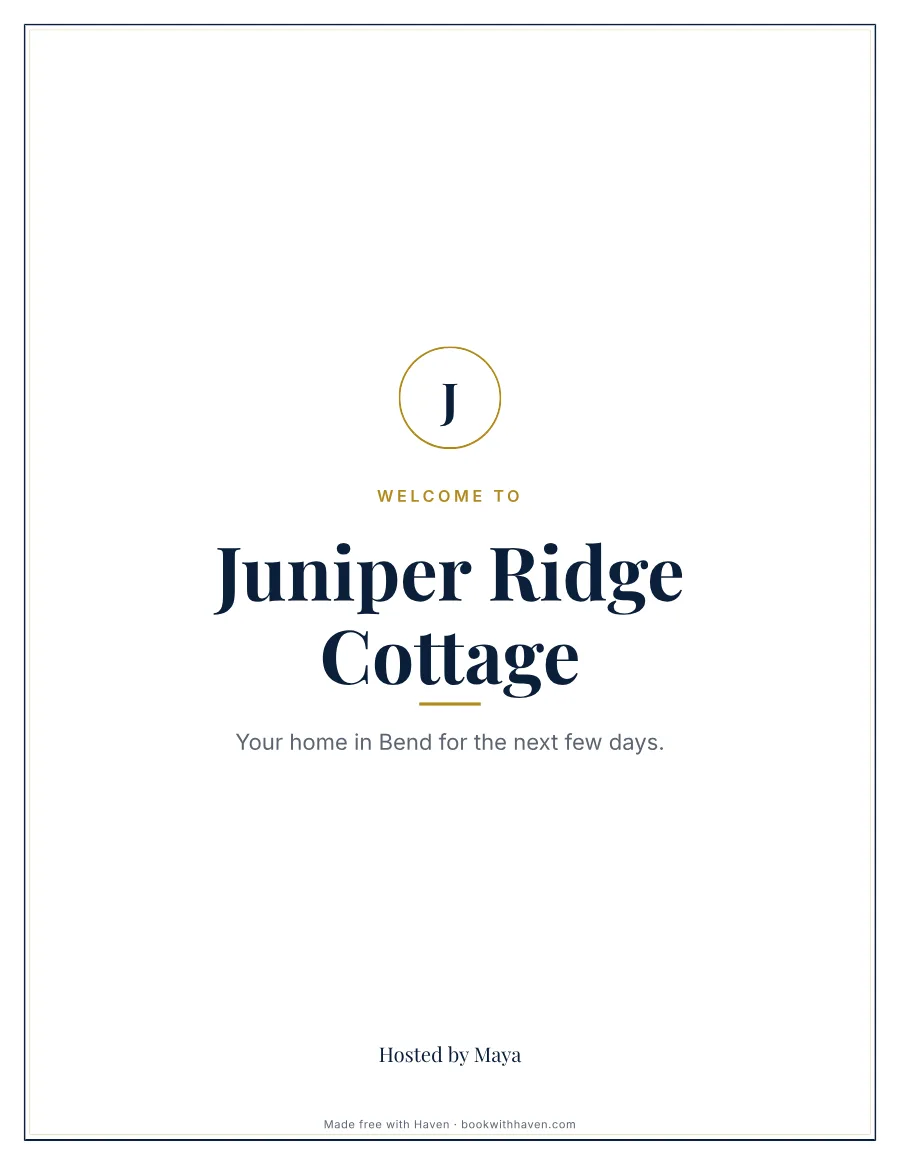
A house manual guests can flip through: a cover photo, arrival, Wi-Fi, house rules, checkout and your local picks, laid out as a print-ready PDF in Letter or booklet size.
What to include
What a welcome book should cover
Guests open it to answer one question at a time. Give each subject its own page and put the answers in the order a stay unfolds.
A cover and a welcome
A photo of the home, its name and a few lines from you. It is the first page anyone sees and sets the tone for the rest.
Arrival and access
The address, parking, which door to use and how the lock works, written for someone arriving tired and after dark.
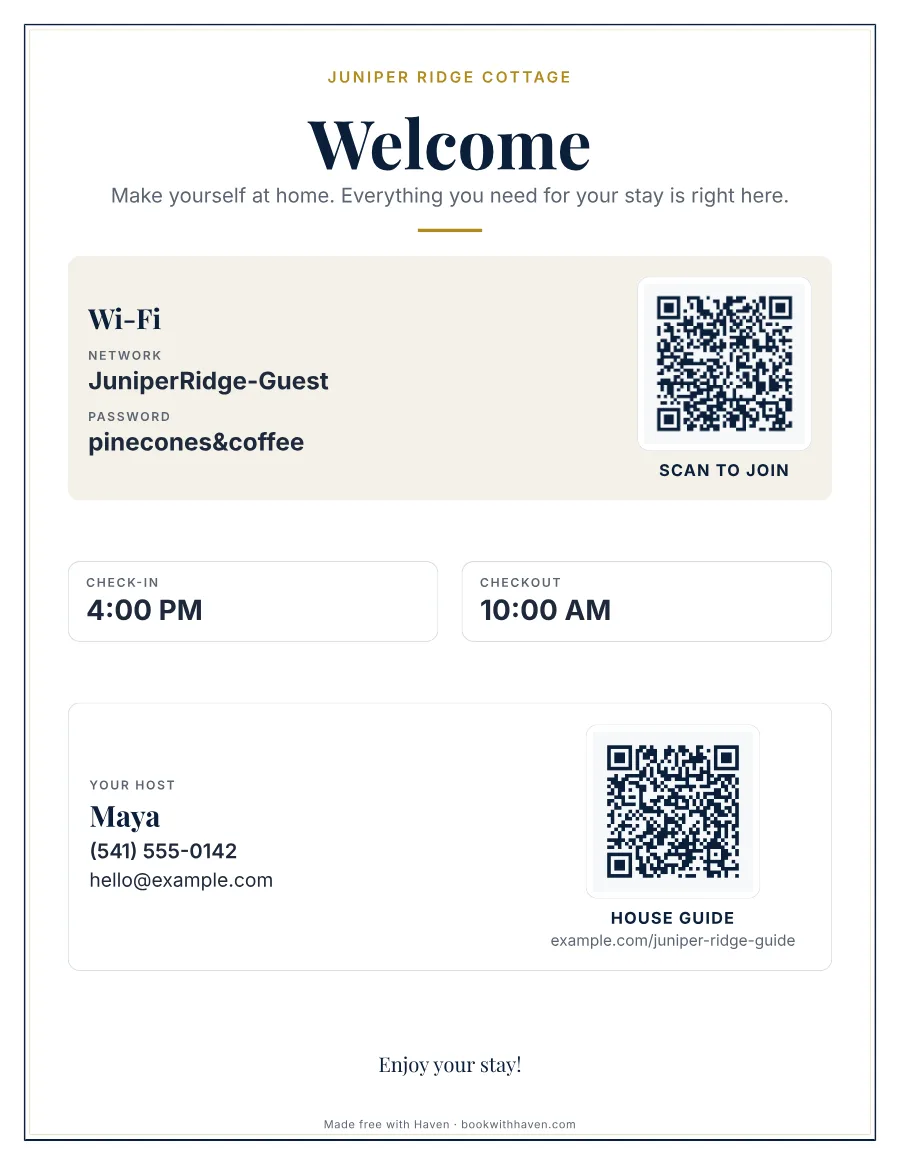
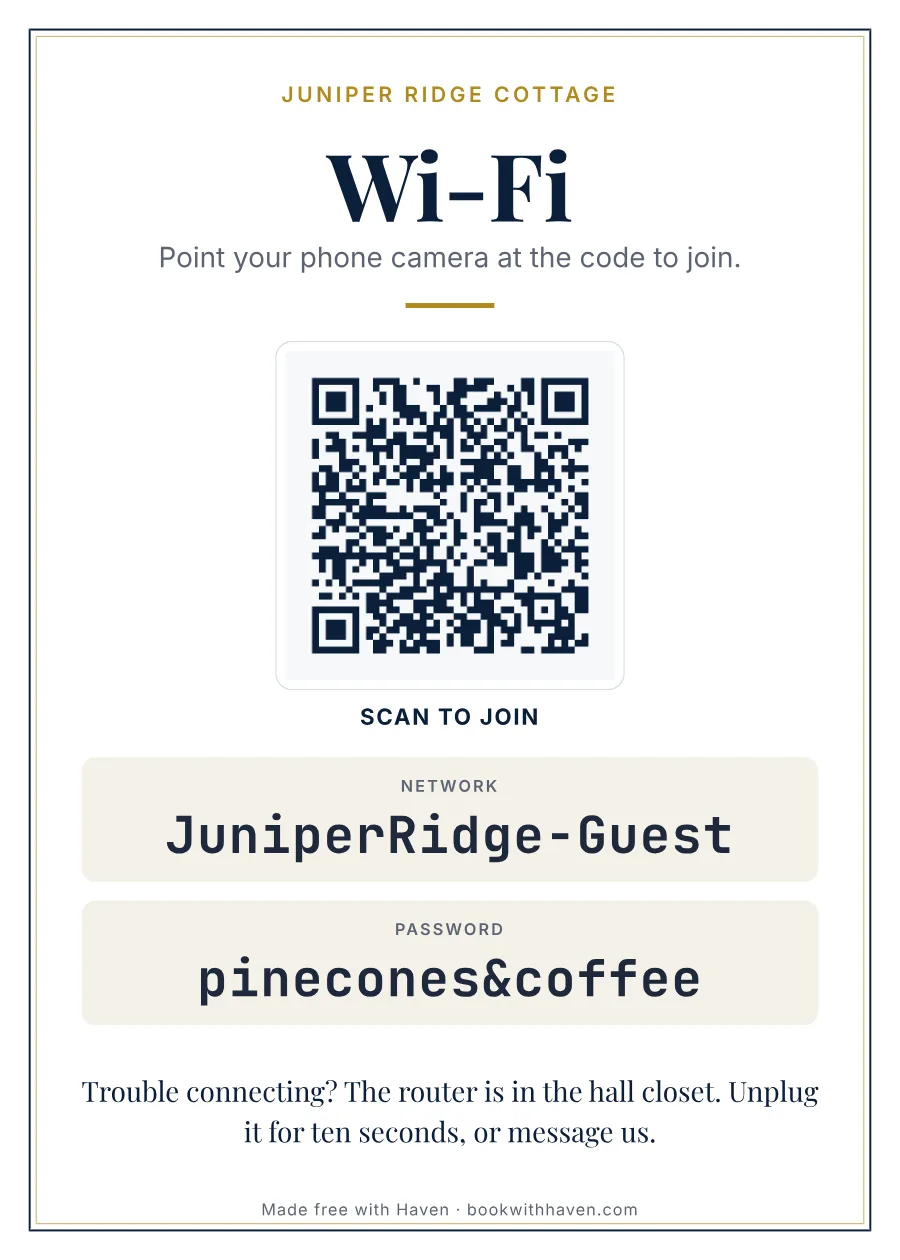
Wi-Fi and the essentials
Network and password, check-in and checkout times, and how to reach you, all on one page guests will return to.
House rules and how things work
The rules that matter, then short notes on the thermostat, TV, hot tub or fireplace for the questions that come up mid-stay.
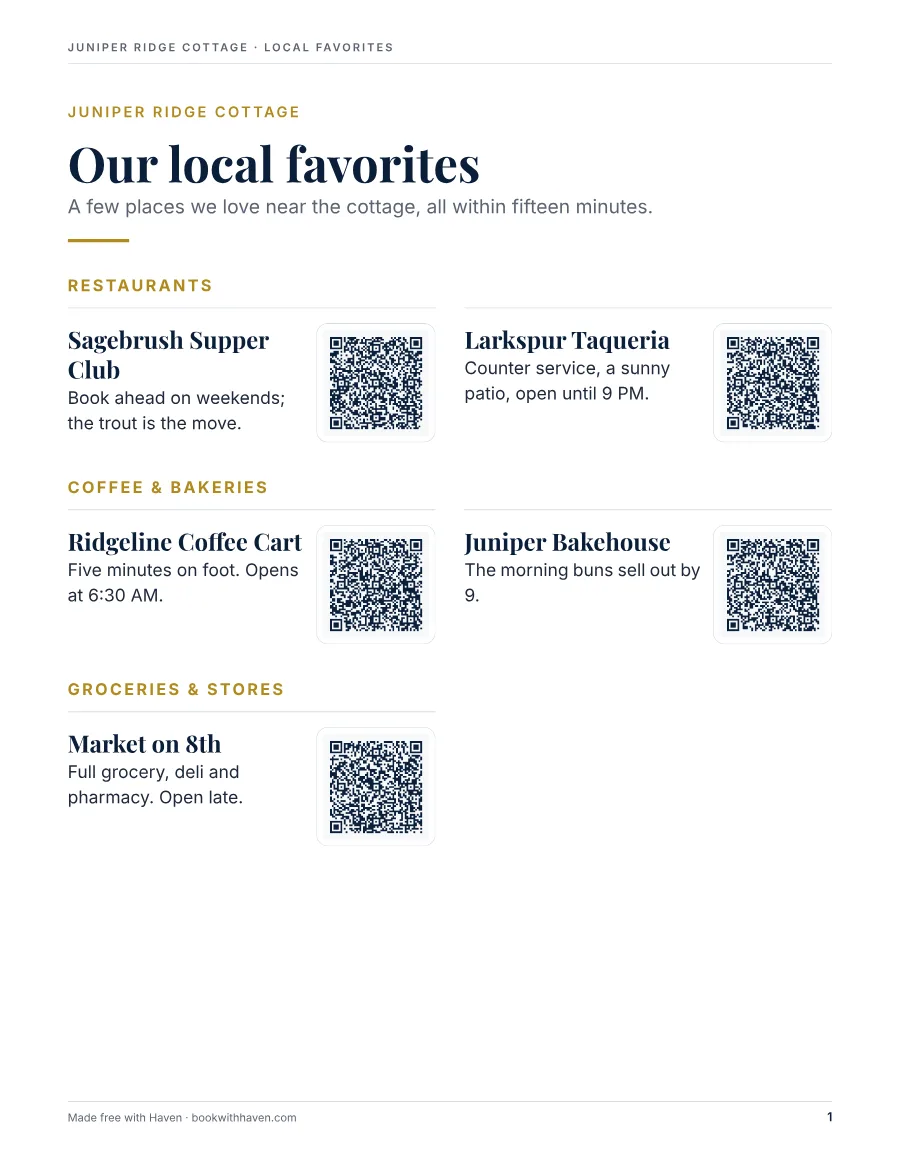
Checkout and your local picks
The few things to do before leaving, then the places you would send a friend. A direct booking card tucked inside the back cover gives returning guests a way to book with you next time.
How it works
Make yours in a few minutes
- 1
Add your cover photo and welcome
The photo and your words lead the book; the property name and your name fill in from your shared details.
- 2
Fill in each page
Wi-Fi, times, arrival, rules, checkout and local picks. Skip what your home does not need and edit every line.
- 3
Preview it page by page
The preview is the PDF itself, so what you see is what prints, page breaks included.
- 4
Download and print
Letter for a binder, half letter for a booklet. Print at home or send the PDF to a print shop.
Questions hosts ask
Welcome book questions
What goes in a vacation rental welcome book?
A welcome note, the address and how to get in, Wi-Fi, check-in and checkout times, house rules, how the main appliances work, what to do before leaving, how to reach you, emergency contacts, and your own recommendations nearby. Keep each page to one subject so a guest can find it by flipping.
Is a printed welcome book still worth it if I have a digital guidebook?
Many hosts keep both. The printed book sits on the counter for guests who want to browse without a phone, and for the moment the Wi-Fi is down; the digital guidebook travels with the guest and can change between stays. Keeping the same details in each matters more than which one you lead with.
What size should I print an Airbnb welcome book?
US Letter in a binder or sheet protectors is the easiest to update. A half-letter booklet (5.5×8.5 inches) feels more finished on a coffee table and fits a smaller binder or a stapled booklet from a print shop.
Do I need to retype my Wi-Fi and times for the welcome book?
No. The welcome book reads the same details as Haven’s other free printables on this device, so anything you entered for a Wi-Fi sign or checkout sign is already there. Change it in one place and every page that prints it follows.
Free for hosts
Pairs well with

Frequently asked
Is Welcome Book really free?
Yes — Welcome Book is free for vacation-rental hosts. No signup, no credit card, no email gate. Haven runs a paid hosting platform for direct-booking sites, and these tools are how we introduce it.
Why is Haven offering this free?
Because the best way to demonstrate what Haven can do for a vacation-rental site is to actually do something useful first. You keep the answer either way.
Free traffic, too: list your rental in Haven's guest search
Haven's AI stay search sends travelers to independently-run rentals at no cost. Connect Airbnb or your PMS, and each place gets a free Haven site that collects booking requests. How free listing works