Free for hosts
Guest Information Sheet
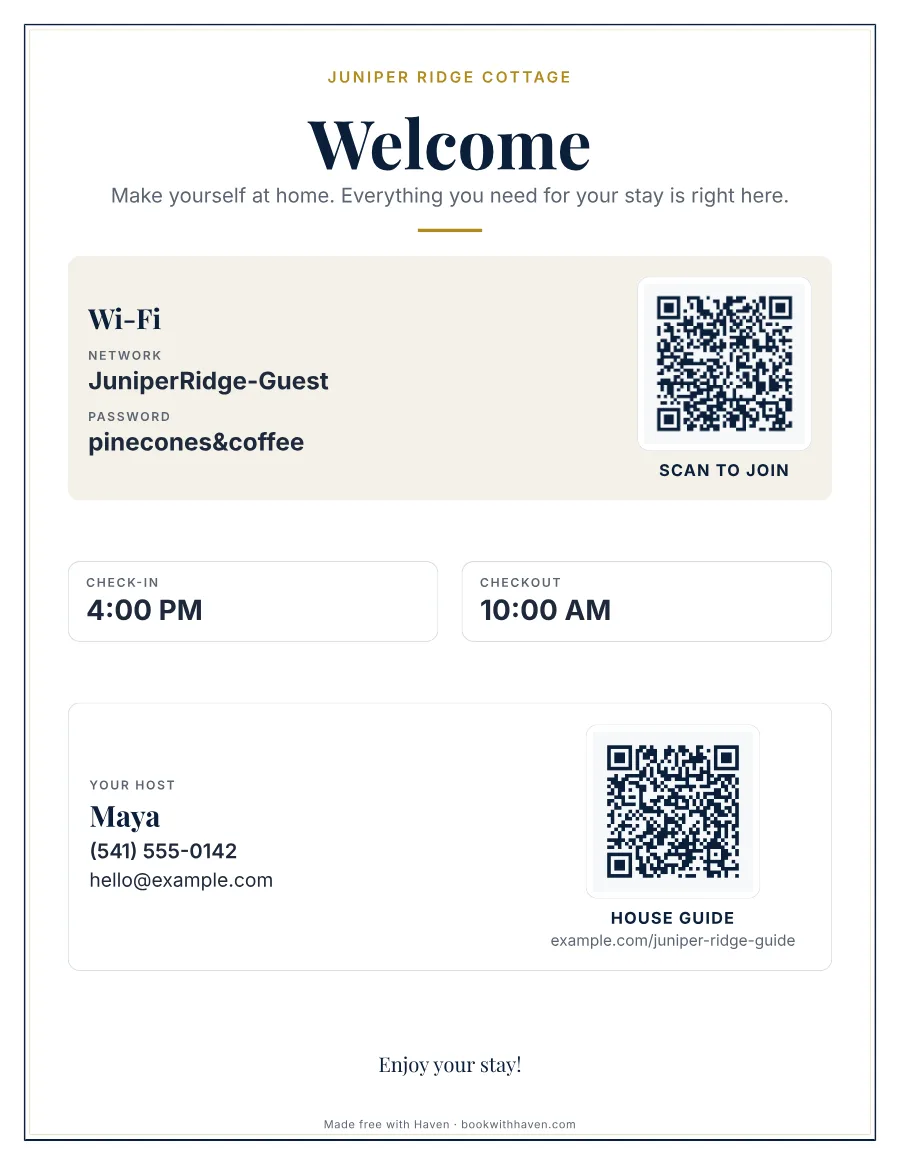
Wi-Fi, check-in and checkout times, how to reach you and a QR code to your guidebook, on one page that doubles as a welcome sign.
What to include
What belongs on a guest information sheet
One page, read standing up. Everything on it should be something a guest needs during the stay, not before booking.
A welcome and the property name
A short greeting at the top tells guests this is the page to keep.
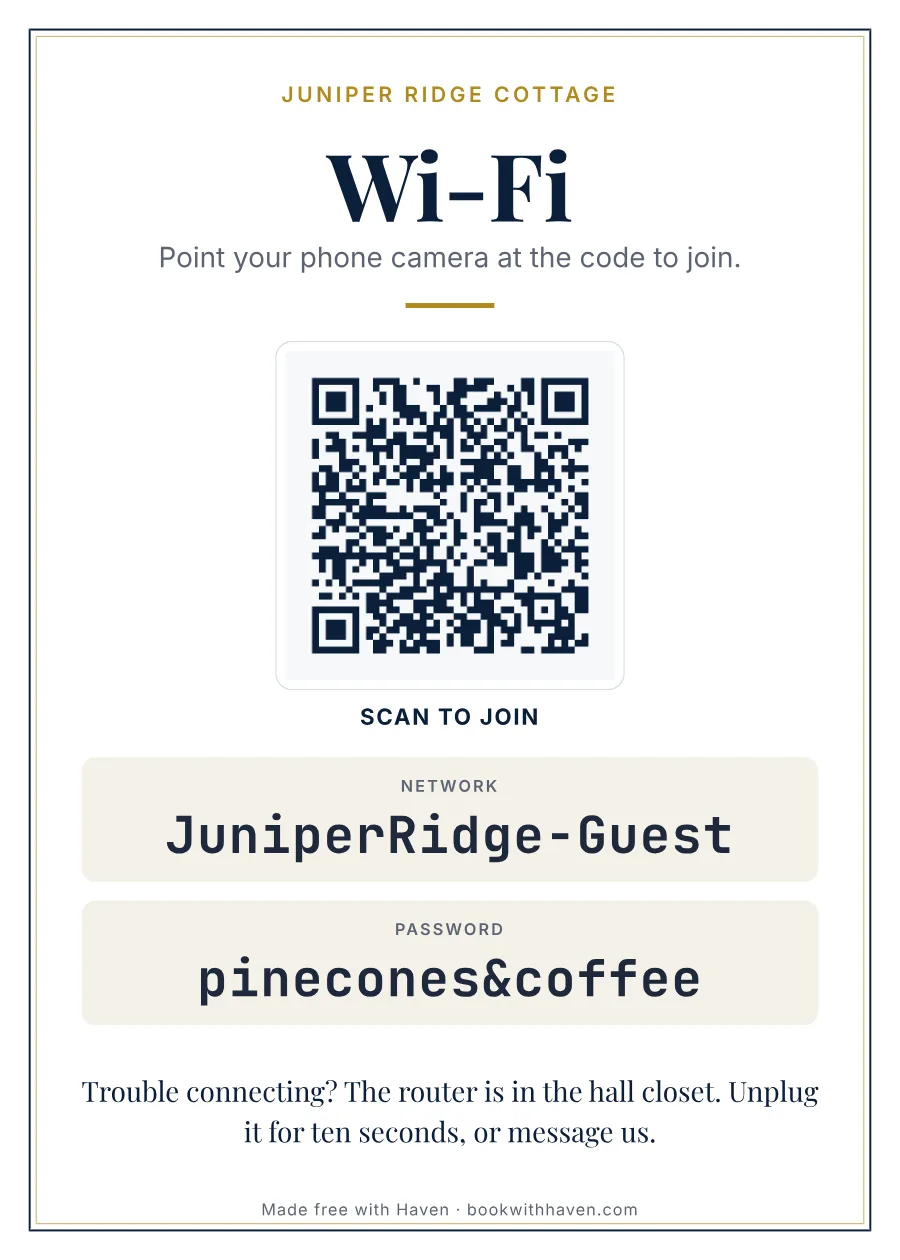
Wi-Fi network and password
Usually the first question of the stay, answered where guests will look for it.
Check-in and checkout times
Printed in the format your guests read most easily, 12-hour or 24-hour.
How to reach you
Your name and the contact you want guests to use, with a word on what counts as urgent.
A QR code to the full guidebook
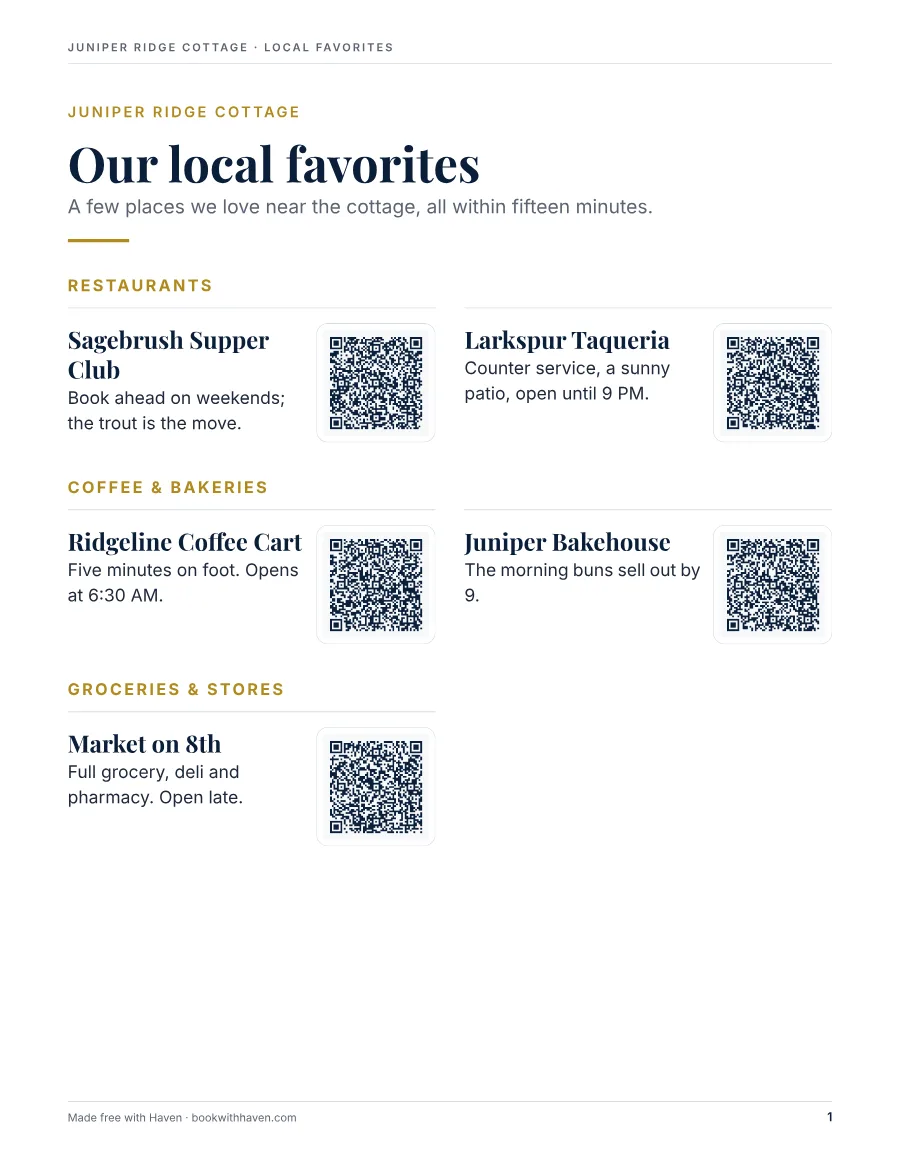
For everything that does not fit on one page: house manual, local picks, appliance notes.
How it works
Make yours in a few minutes
- 1
Enter your details
Property and host name, Wi-Fi, times and contact. Anything you entered for another Haven printable is already filled.
- 2
Add your guidebook link
Paste the link guests should open; the sheet turns it into a QR code drawn in your browser.
- 3
Choose a size
US Letter, an 8×10 or 5×7 frame, or a tent card that stands on the counter.
- 4
Download and print
One PDF, ready for a home printer. Scan the QR code on the print to check it before you frame it.
Questions hosts ask
Guest information sheet questions
What is a vacation rental guest information sheet?
A single page with the facts guests need most during a stay: the Wi-Fi network and password, check-in and checkout times, how to reach the host, and a QR code to the full digital guidebook. It sits on the counter or in a frame and answers the common questions before they become messages.
How is it different from a welcome book?
A welcome book runs to several pages and covers arrival, rules, appliances and local recommendations in depth. The information sheet is one page of essentials. Many hosts frame the sheet by the entry and leave the welcome book on the coffee table.
Where does the QR code on the sheet lead?
To the guidebook link you enter: a Haven guest portal, another guidebook app or any page you keep for guests. The code is drawn in your browser, so scan the printed sheet once to confirm it opens the right page.
Should I put my phone number on the sheet?
Include whichever contact you want guests to use during the stay. Some hosts print a phone number for urgent issues and ask for messages through the booking platform for everything else; say which on the sheet so guests do not have to guess.
Free for hosts
Pairs well with
Frequently asked
Is Guest Information Sheet really free?
Yes — Guest Information Sheet is free for vacation-rental hosts. No signup, no credit card, no email gate. Haven runs a paid hosting platform for direct-booking sites, and these tools are how we introduce it.
Why is Haven offering this free?
Because the best way to demonstrate what Haven can do for a vacation-rental site is to actually do something useful first. You keep the answer either way.
Free traffic, too: list your rental in Haven's guest search
Haven's AI stay search sends travelers to independently-run rentals at no cost. Connect Airbnb or your PMS, and each place gets a free Haven site that collects booking requests. How free listing works